Episode 1 · Clock tower
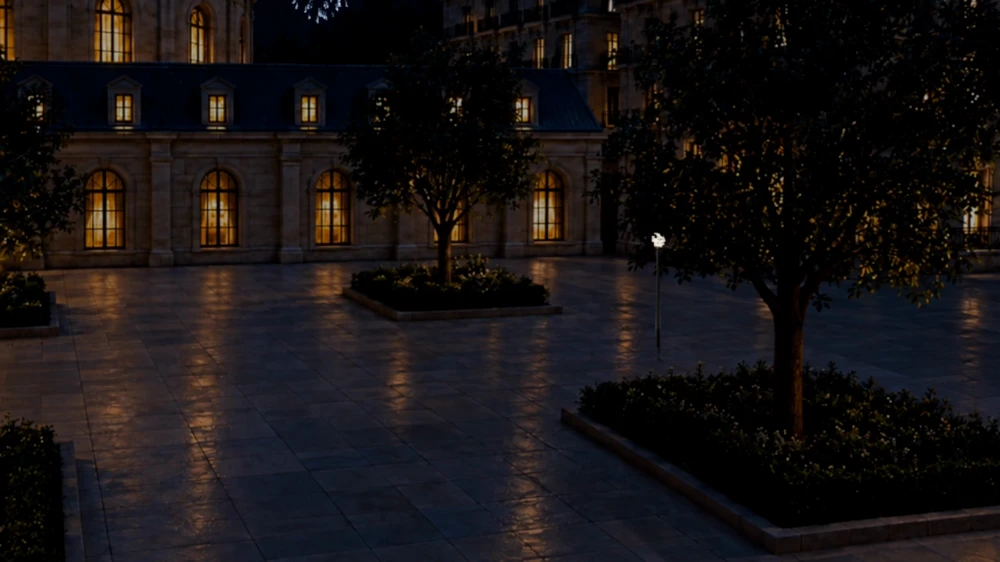
EXT. CLOCK TOWER FIRING PLATFORM – NIGHT
ZLATIA“Fire at will.”To change this line, ask your assistant to edit Episode 1.
Tell Claude Code or Codex how you want to shoot. Through koma CLI, your assistant can arrange shots, choose models and start a batch from your shot list.

We recommend Claude Code or Codex. Once you’ve installed and authorized koma CLI, describe the edit in your own words. Your assistant runs the commands.
shot move“Show the roof first, then cut to the reading room. Let me see the new order.”
Your assistant can read existing shots and move them into position.
batch run“That order works. Shoot the shots on this list.”
Your assistant can prepare a batch and submit each shot for generation.
batch status“Which shots in this batch are still running?”
Your assistant can check the batch and list queued or running shots.
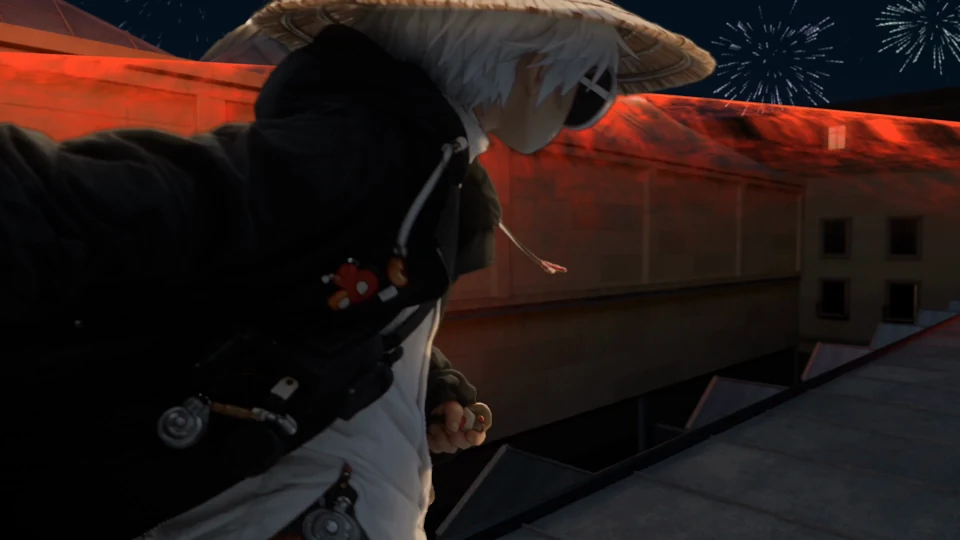
The rooftop action in HEIST spans several shots. To show the landing first, ask your assistant to move Shot 5 ahead of Shot 4. To change a line, open just that episode.
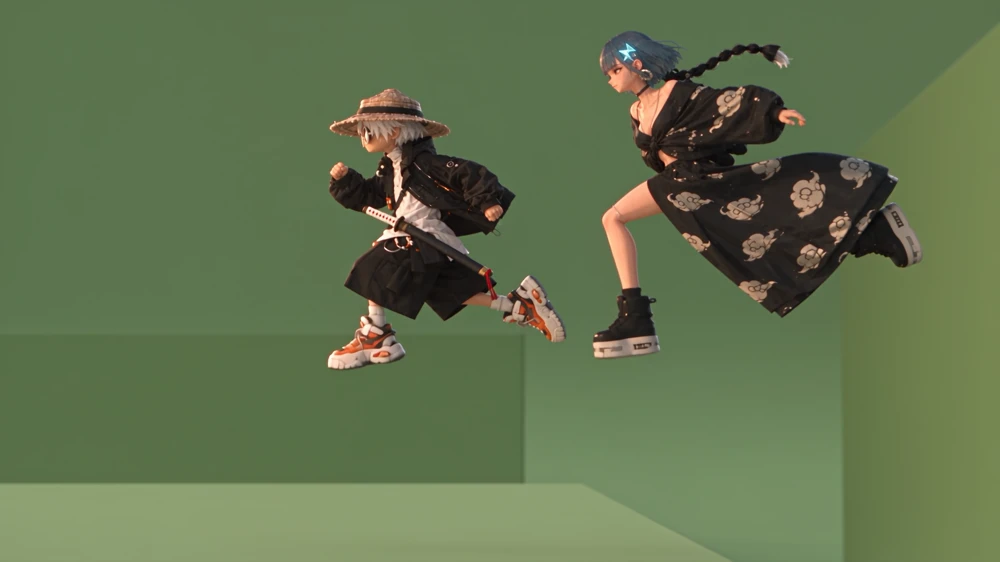 Shot 4 / T14
 Shot 5 / T10
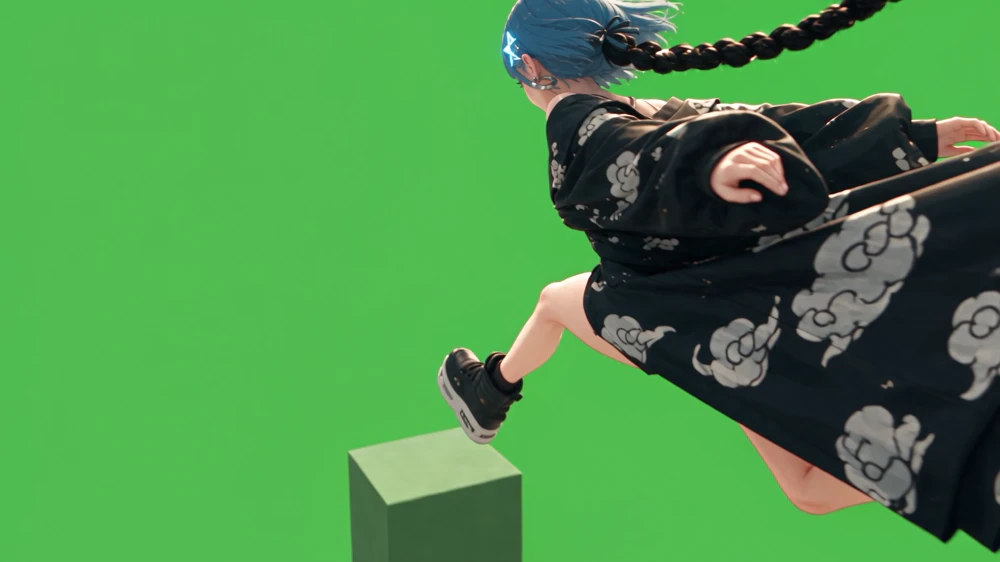 Shot 7 / T20
EXT. CLOCK TOWER FIRING PLATFORM – NIGHT
ZLATIA“Fire at will.”To change this line, ask your assistant to edit Episode 1.
Check which resolutions and durations each model supports. Start a new draft for the same shot to try another model and keep the existing take.
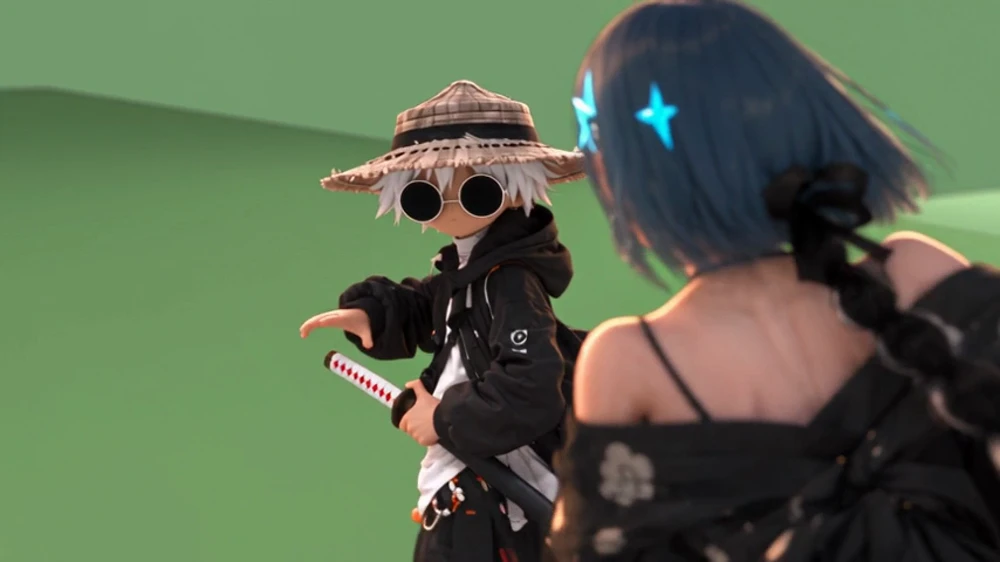
Choose a model and settings in the new draft. Submitting it creates its own generation record.
The team used the CLI to add this expression to BIWA’s character assets, then used it as a reference for Shot 8, Take 8 in the reading room.

biwa-teasing.png
In the original take, BIWA looks down at Suseka.
creative · scriptshotasset · character · artmodels · version · videopromptbatch · jobtake · downloadauthRun this in the directory containing your download.
npm i -g ./alchemint-koma-cli-0.1.0.tgz --ignore-scriptsSign in with Google at koma.video. Your first sign-in creates an account and a workspace.
koma auth loginMatch the browser code to your terminal, check the account and workspace, then allow the connection. Deny it if anything differs.
Check that the terminal shows the account and workspace you expect.
koma auth statusRun koma auth logout to revoke this CLI session.